Moving Your Website to Artfiles
We would be delighted if you decide to switch to Artfiles. To ensure that your websites are back online quickly and smoothly, we will of course support you throughout the entire migration process. You can find all the necessary steps here:
-
Become a Customer
First, choose the web hosting plan that suits your needs and sign up with us After terminating your old contract, you need to request the authentication code for your domain from your previous provider. We will be happy to send you the access data for your DCP account in advance by email or post. Please let us know if you need the access data before transferring your domains.
-
Prepare Web Space
As soon as you have received your access data, you can set up your account before moving your domains. This includes importing files and databases to your web space as well as setting up email addresses. We have provided comprehensive instructions for you in our support area.
-
Request Domain Authorization Code
When transferring your domain from your previous provider to us, different verification codes are required depending on the domain. For a .de domain, we need the AuthInfo code; for a .com, .net, or .org domain, we need the AuthCode from your previous provider. In our support area, you will find detailed instructions on how to proceed, including the procedure for less common domains.
-
Domain Transfer
The transfer of a .de domain can usually be completed on the same day. For other top-level domains, especially .com, .net, and .org, the transfer takes longer, usually between 5 and 14 days. For these domains, you will usually also receive authorization emails that you must confirm in order to complete the transfer.
You Might Also Be Interested In:

The Artfiles Blog
On our company blog, we regularly publish articles about our products and explain the technical background.
The Artfiles Mail System
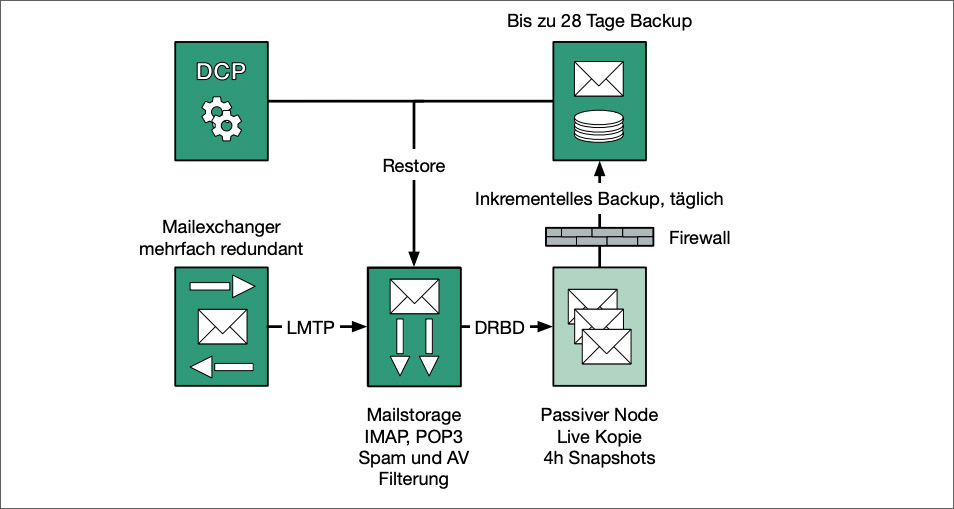
Our innovative email system works reliably and is very easy to administer.

The Artfiles Team
Get to know the Artfiles team and find the right contact for every request.
Previous
Next
-
The Artfiles Blog
On our company blog, we regularly publish articles about our products and explain the technical background.
-
The Artfiles Mail System
Our innovative email system works reliably and is very easy to administer.
-
The Artfiles Team
Get to know the Artfiles team and find the right contact for every request.